Home / App Guide / Environment / Recycling and BCRS
How to find recycling bins and BCRS return points in Singapore, and check if a machine is full
Short answer: open Recycling & BCRS from the More menu and allow location. The closest places come first. Pick a filter (Recycling bins, BCRS points, E-waste or Textile), look at the status on a BCRS card, then tap Directions.
What you will see
- A list sorted by distance when the app knows where you are, with the distance in km on each card. If location is off, the list is sorted A to Z and the line under the heading says so.
- Four kinds of place, each with its own coloured label: Recycling bin, BCRS return point, E-waste point and Textile point.
- Four filter chips: Recycling bins, BCRS points, E-waste and Textile. With no chip chosen, all four kinds appear together.
- A search box that reads “Search by address or place name”. Bins also match on postal code.
- An Open or Closed label on BCRS, e-waste and textile points when the opening hours are known. Bins do not have one.
- A machine status on BCRS cards, as the machine reports it.
- A Directions button on every card.
How to use it
- Open Recycling & BCRS from the More menu. It sits in the Community group.
- Allow location so the list can start with the closest places. You can also search by address, place name or postal code.
- Tap a chip to narrow the list. Use BCRS points if you are carrying drink cans or plastic bottles, and E-waste or Textile for old electronics or clothes.
- On a BCRS card, check the Open label and the machine status before you go.
- Tap Directions. It opens the Trip Planner with that place as your destination.
Reading a BCRS card
BCRS stands for the Beverage Container Return Scheme. A return point is a Return Right machine where you hand in empty drink containers and get 10 cents back on each eligible one. A card can show three things:
- Open or Closed, from the opening hours listed for that machine.
- A status from the machine itself. It can be a word, such as Full, Offline, Maintenance, Cleaning or Error, or a number. The dashboard card reads a number as how full the machine is, in per cent.
- The distance from you, shown as a pill at the top right of the card.
A machine marked Full, Offline or Maintenance may not take containers right now. If you have a full bag, check the status first and pick another point if you need to.
The dashboard card and the Map
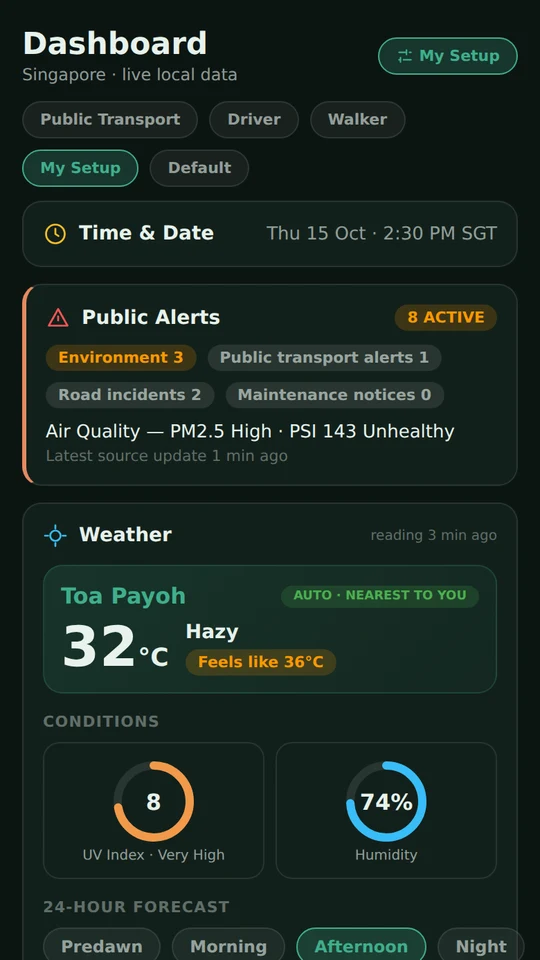
The dashboard has a BCRS return points card. It looks within 3 km of you, counts the machines accepting containers now, names the nearest open one and lists up to four nearby points. Each point shows a label such as Open, Full, Offline, Maintenance or Closed, with the per cent full when it is known and the closing time for an open machine. You can switch dashboard cards on or off, which our dashboard guide explains.
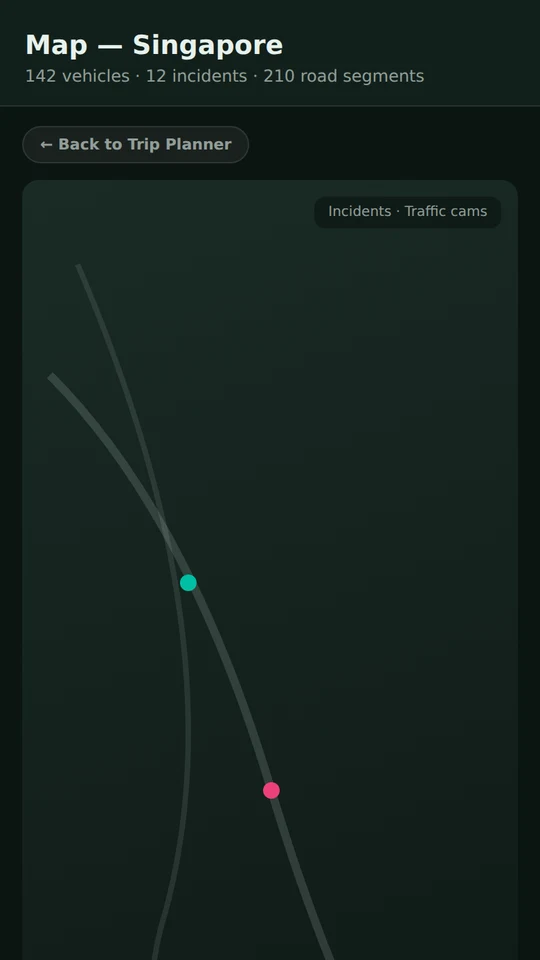
The Map has a BCRS layer too. Like other point layers, it appears only when you zoom in.
What counts for the refund
NEA says the deposit is 10 cents per container, with no GST. It applies to plastic or metal drink containers from 150 ml to 3 litres that carry the BCRS Deposit Mark. Glass, cartons, pouches and freshly prepared drinks sold on the same premises are not covered. Our recycling post has the full list and how the refund is paid.
Tips
- If location is off, type a postal code or a place name. When nothing matches exactly, the app says so and shows the places nearest to the spot it found instead.
- Bins are listed by address. The blue bin you want may be at the foot of an HDB block, so use the postal code to find it quickly.
- Containers without the BCRS mark are not refundable. They can go in a recycling bin.
Good to know
On 26 November 2026 the app held about 12,600 recycling bins, 1,450 BCRS return points, 650 e-waste points and 420 textile points. Those numbers change as the sources are updated.
- Bins cover HDB estates only. A bin in a condominium or a private estate will not be on the list.
- How fresh it is: BCRS return points refresh every 6 hours. Bins, e-waste points and textile points refresh weekly. A very new point may not appear yet, so check the signage when you arrive.
- Sources: bins come from National Environment Agency data on data.gov.sg. BCRS, e-waste and textile points come from the recycle.gov.sg listings.
- The app does not show how full a recycling bin is. It also does not show your refund balance.
- Recycling & BCRS is a Singapore feature.
Information comes from public sources and is there to help you plan. PantauSivik is independent and not affiliated with any government agency. Screens and wording can change a little between app versions.
Frequently asked questions
How do I find the nearest BCRS return point?
Open Recycling & BCRS from the More menu, allow location and tap the BCRS points chip. The list starts with the closest return points and shows the distance on each card. Tap Directions to plan the trip.
Can I see if a BCRS machine is full?
Yes. A BCRS card shows the machine status as the machine reports it, such as Full, Offline, Maintenance or Cleaning, or a number. The dashboard card reads a number as per cent full. BCRS points refresh every 6 hours, so check the signage when you arrive.
Does PantauSivik show e-waste and textile drop points?
Yes. The Recycling & BCRS page has an E-waste chip and a Textile chip, and each place has its own coloured label.
Are all recycling bins in Singapore listed?
No. The bin list covers HDB estates only, from National Environment Agency data. Bins in condominiums and private estates are not included.
How often is the recycling data updated?
BCRS return points refresh every 6 hours. Recycling bins, e-waste points and textile points refresh weekly.
Which drink containers get the 10 cent refund?
Plastic or metal drink containers from 150 ml to 3 litres that carry the BCRS Deposit Mark, according to NEA. Glass, cartons, pouches and freshly prepared drinks sold on the same premises are not covered.
See also: Trip Planner guide, Recycling and BCRS return points, Map guide, Hawker centres guide.
Spotted a mistake? Report an error on this page.