Home / Blog / Visitors and Planning
PantauSivik is now on Google Play in 21 countries: planning a trip to Singapore or Malaysia
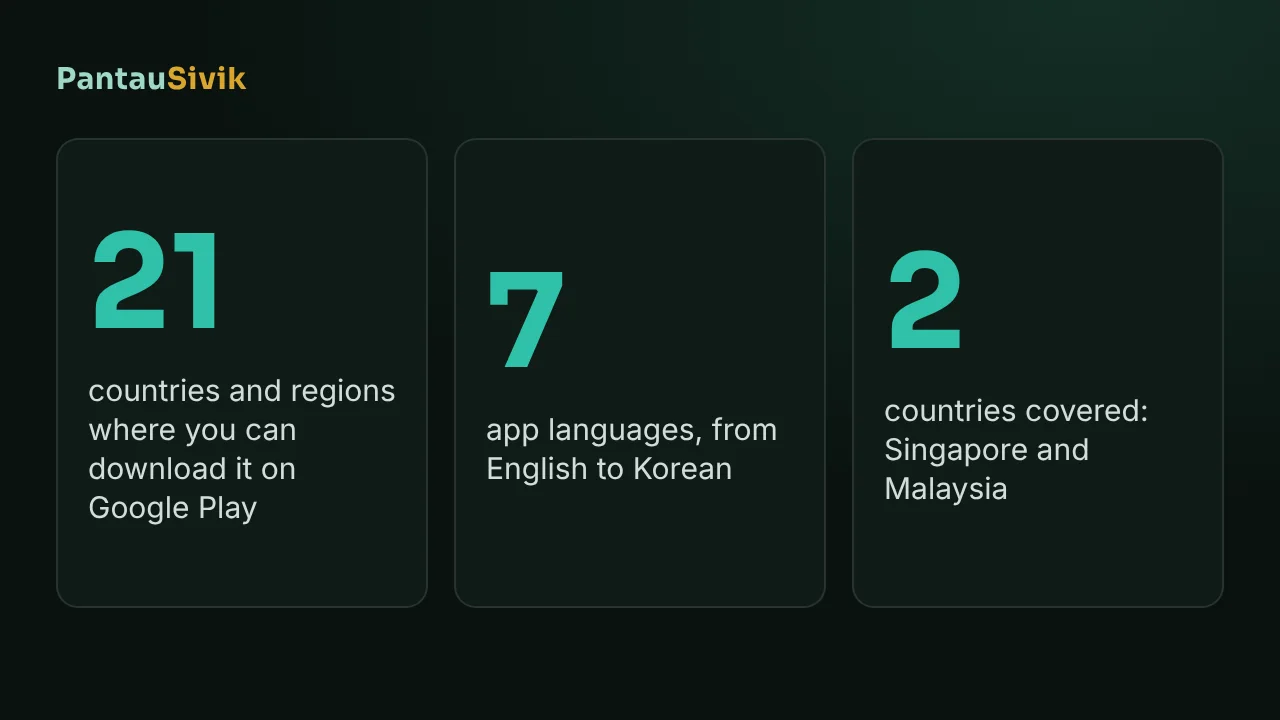
PantauSivik is now listed on Google Play in 21 countries and regions. If you live in one of them and plan to visit Singapore or Malaysia, you can install the app at home, set it up before you fly and have it ready when you land. This post lists the countries, says what the app does for a visitor, and is plain about what it does not do yet.
In short: install PantauSivik from Google Play on an Android phone, pick Tourist on the start screen, and follow the country and location screens. The app has 7 languages: English, Malay, Chinese, Tamil, Hindi, Japanese and Korean. It is free, needs no account, and is not on iPhone.
The 21 countries and regions
The list comes from our Google Play Console, where the app is set to be offered in these places:
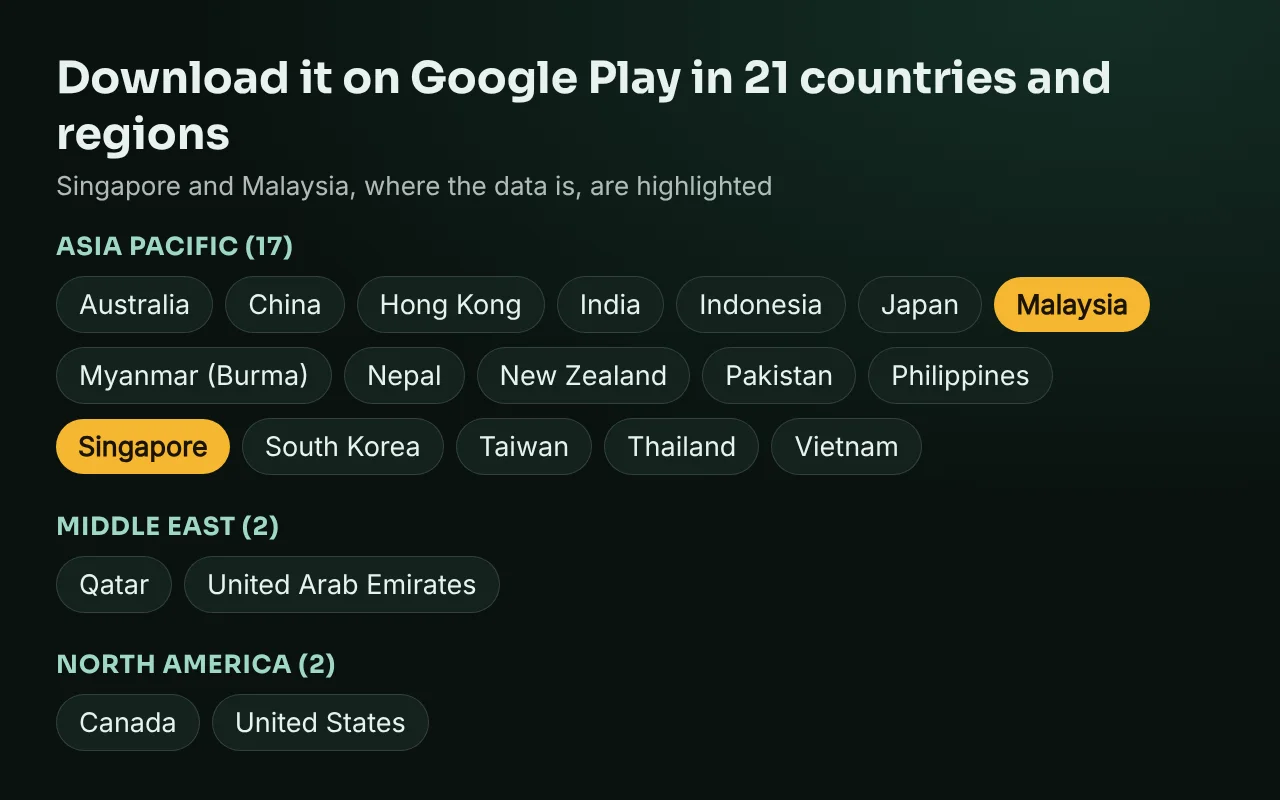
- Asia Pacific (17): Australia, China, Hong Kong, India, Indonesia, Japan, Malaysia, Myanmar (Burma), Nepal, New Zealand, Pakistan, Philippines, Singapore, South Korea, Taiwan, Thailand and Vietnam.
- Middle East (2): Qatar and the United Arab Emirates.
- North America (2): Canada and the United States.
Two cautions. Google Play lists a place as available, but whether you can actually install the app also depends on your phone and the local rules. Many phones sold in mainland China, for example, do not come with Google Play. And if your country is not on the list, the app may still be on Google Play for people travelling there, but we cannot promise it, so check before you rely on it.
What a visitor gets
When you first open the app, it asks whether you are a resident or a visitor, and there is a Tourist option for people only passing through. After that you pick your country and the areas you care about. Three things are most useful on a short trip:
- Rain and storms. Singapore afternoon storms can end an outdoor plan quickly, and the app shows the rain outlook and lightning alerts for the area you are in. Our post on rain in Singapore for visitors explains how to plan around them.
- Getting around. The Singapore trip planner compares MRT, bus and taxi routes with fares, and a Transit page shows bus arrivals and MRT platform crowds. Tap a station to see the first and last train, which is useful on a late night out.
- Malaysia as well. The app has a Malaysia side with bus and rail pages, a trip planner, weather and fuel prices. See the Malaysia guide.
Languages: what we have and what we do not
The app speaks seven languages. Chinese, Hindi, Japanese, Korean, Malay and Tamil come with English, so many visitors from China, India, Japan and South Korea can read it in their own language. Malay will feel familiar to many visitors from Indonesia, but the app does not have Bahasa Indonesia as such. We do not have Thai, Vietnamese, Burmese, Nepali, Urdu or Arabic, so for those the app will be in English. The translations are still waiting for checks by native speakers, so some wording may be wrong, and we would like to hear about it through the feedback form in Settings.
Set it up before you fly
- Install PantauSivik from Google Play on Wi-Fi, on an Android phone.
- Choose your language in Settings, then pick Tourist on the start screen.
- Pick Singapore or Malaysia when the app asks for your country, and allow location so it can find the area you are in.
- Pick the sector or area where you will stay, so storm and flood alerts name the right place.
- Look at the trip planner once at home, so it is familiar when you land.
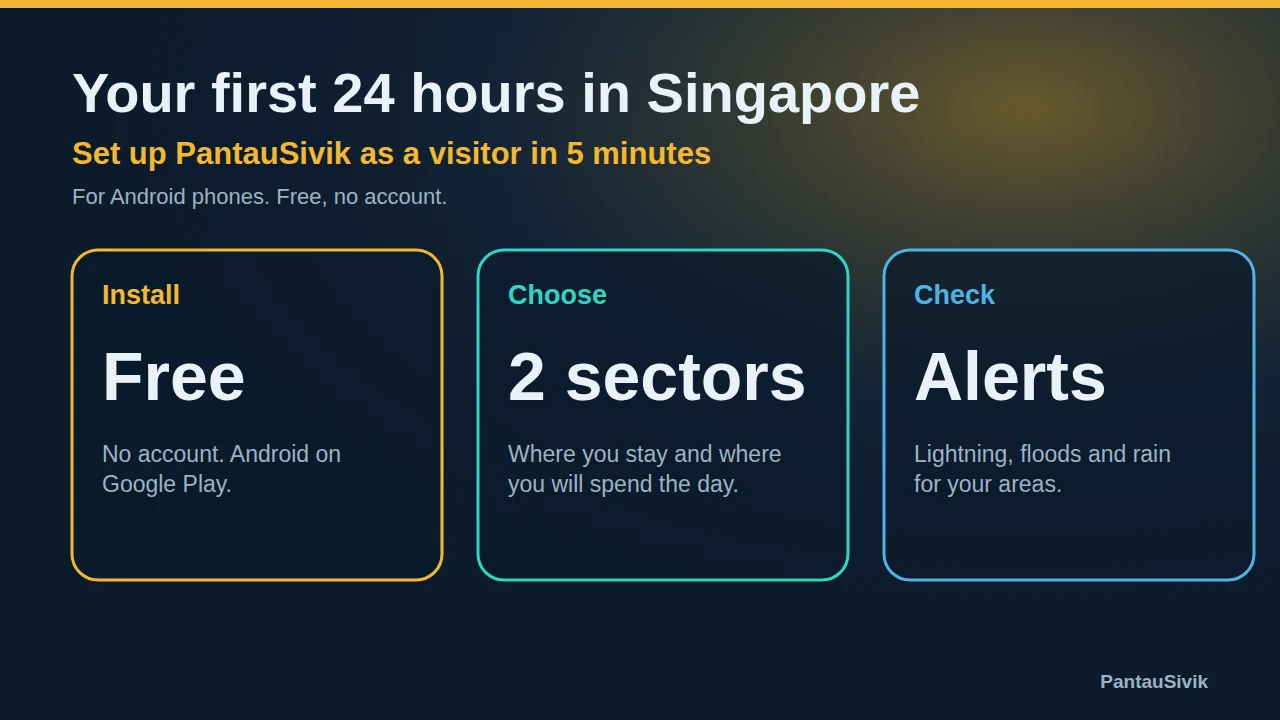
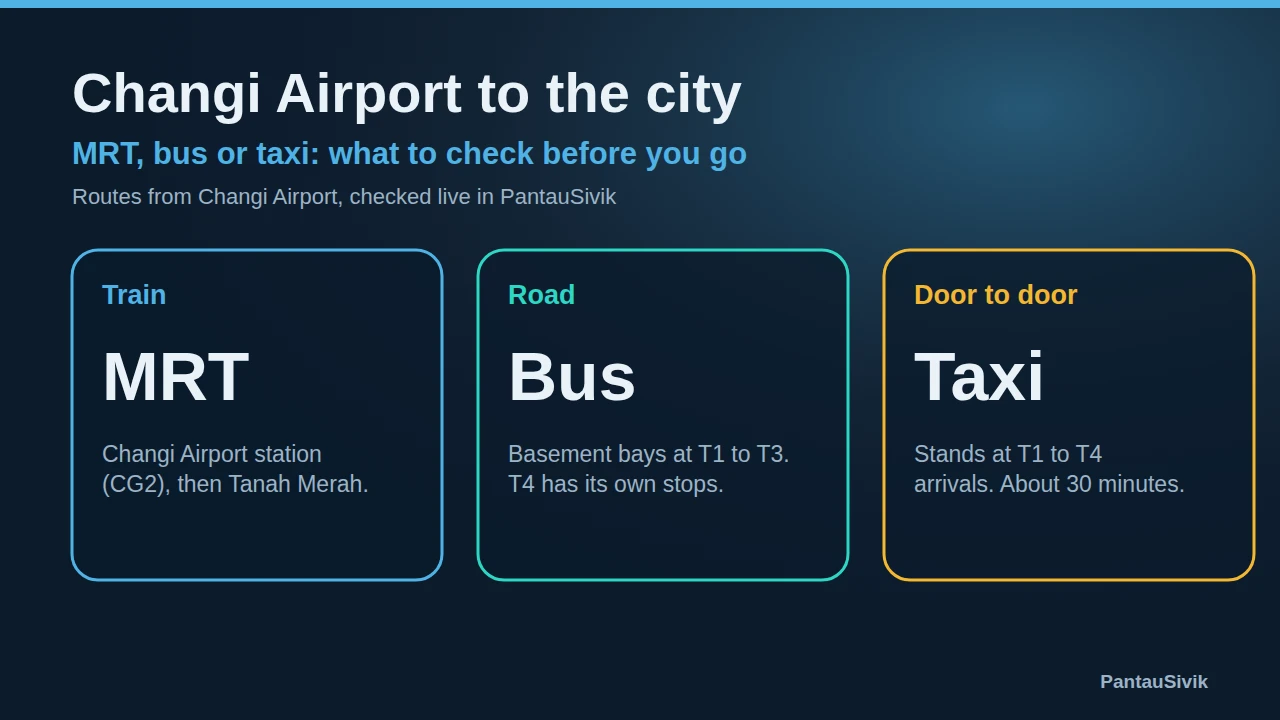
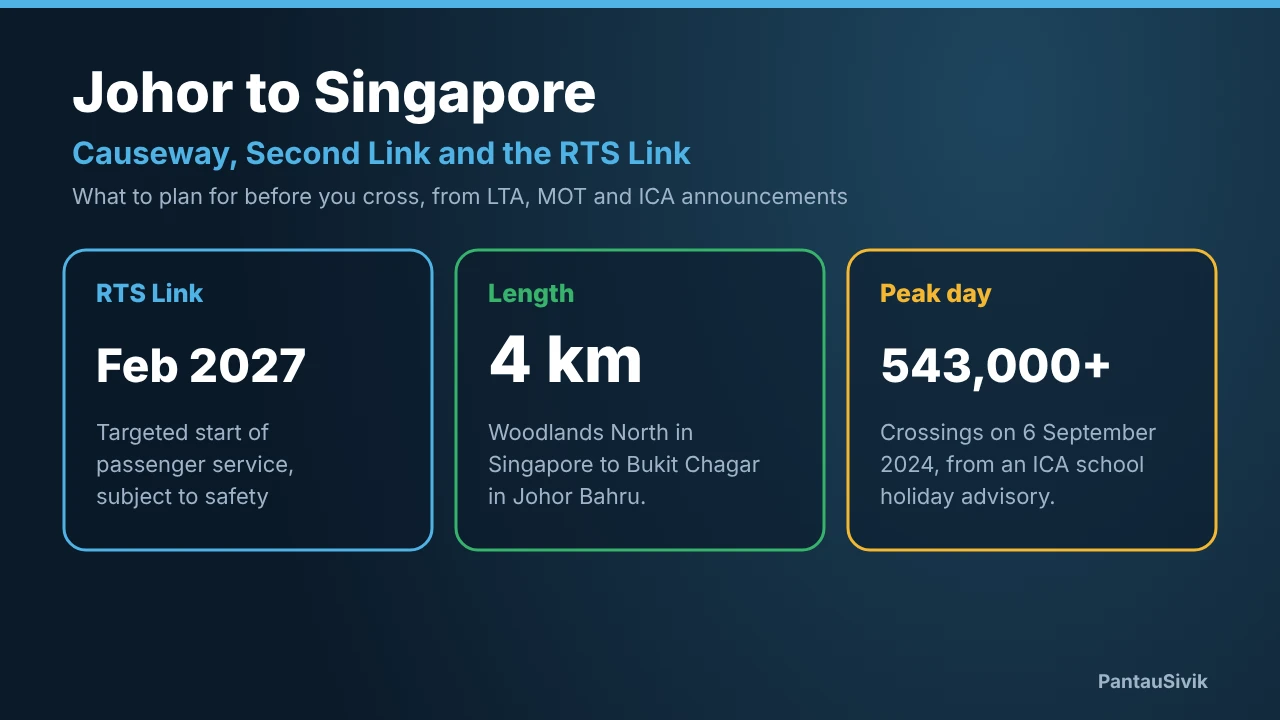
The full walkthrough, with notification settings, is in your first 24 hours in Singapore. Some details there have changed since it was written, for example the app now has more than one language and a Tourist option on the start screen, and we will update that guide. If you come from the airport, see Changi Airport to the city, and if you cross from Johor, the Causeway and Second Link guide.
What this does not tell you
- PantauSivik is Android only. There is no iPhone version.
- It is a planning aid built on public data, so it does not replace official sources for entry rules, visas or emergencies.
- We do not sell tickets, SIM cards or bookings, and the app is not a tour guide.
- Availability on Google Play can change by country and by phone model.
Common questions
Which countries can download PantauSivik from Google Play?
Australia, Canada, China, Hong Kong, India, Indonesia, Japan, Malaysia, Myanmar (Burma), Nepal, New Zealand, Pakistan, the Philippines, Qatar, Singapore, South Korea, Taiwan, Thailand, the United Arab Emirates, the United States and Vietnam, which is 21 countries and regions.
Is PantauSivik free for tourists?
Yes. It is free, supported by ads, and needs no account.
Is there an iPhone version?
No. PantauSivik is Android only for now.
Does PantauSivik work in my language?
The app is available in English, Malay, Chinese, Tamil, Hindi, Japanese and Korean. There is no Thai, Vietnamese, Burmese, Nepali, Urdu or Arabic yet, and the translations are still waiting for native speaker checks.
Can I use PantauSivik in Malaysia too?
Yes. The app has a Malaysia side with bus and rail pages, a trip planner, weather and fuel prices.
Why is China on the list if Google Play is limited there?
The Google Play listing offers the app in China, but many phones sold there do not have Google Play. Whether you can install it depends on your phone.
Sources: country list from the PantauSivik listing in Google Play Console, 15 November 2026. Language list from the PantauSivik app, version 1.84.2. PantauSivik is independent and not affiliated with Google or any government agency.
Information in PantauSivik comes from public sources and is there to help you plan. In an emergency, follow official channels. PantauSivik is independent and not affiliated with any government agency.
See also: Your first 24 hours in Singapore, Rain in Singapore for visitors, Malaysia guide, What is new in 1.68.