Home / Blog / Visitors and Planning
PantauSivik in Japanese and Korean: visiting Singapore or Malaysia from Japan or Korea
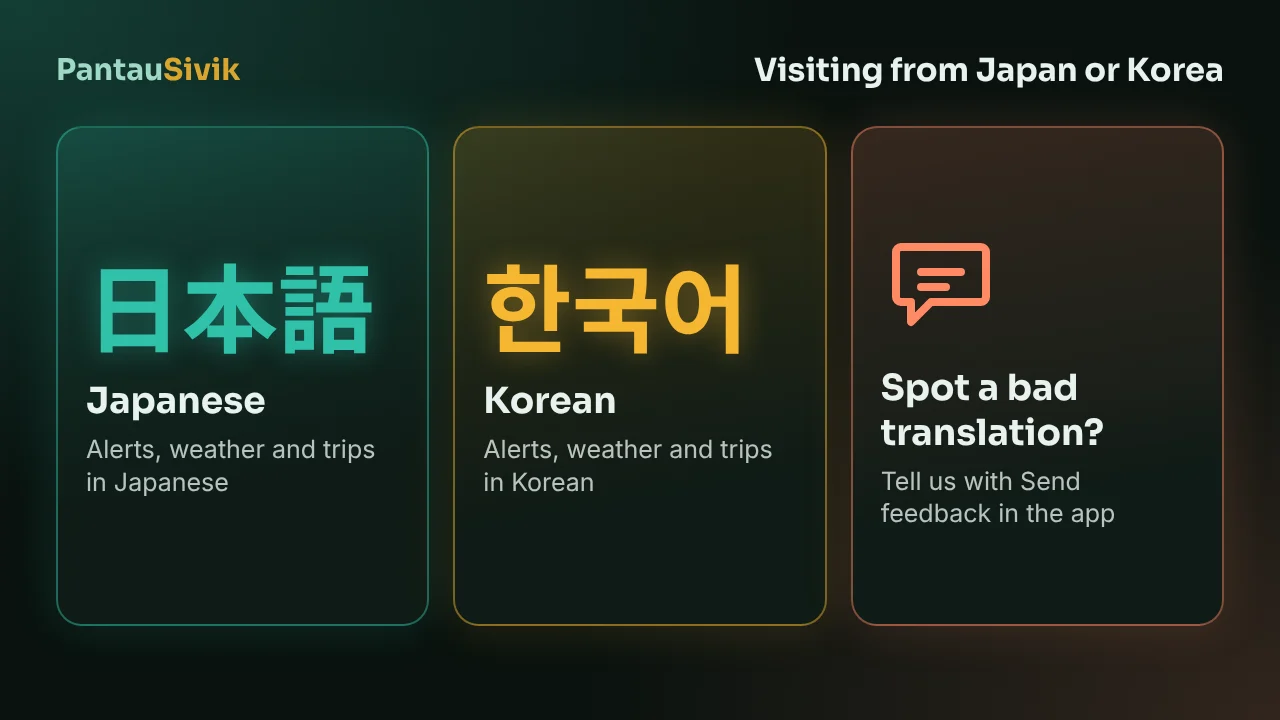
If you are flying from Japan or South Korea to Singapore or Malaysia, PantauSivik can show you rain, transport and alerts in Japanese or Korean. It is on Google Play in both countries, so you can install it at home and set it up before you leave. This post says what is translated, how to set it up, and how you can help us fix the wording, because the translations have not yet been checked by native speakers.
In short: install PantauSivik on an Android phone, choose Japanese or Korean on the first screen, and say you are visiting. If a word looks wrong or unnatural, open Settings, then About and help, and tap Send feedback. Tell us the screen, the language and what it should say.
What is in Japanese and Korean
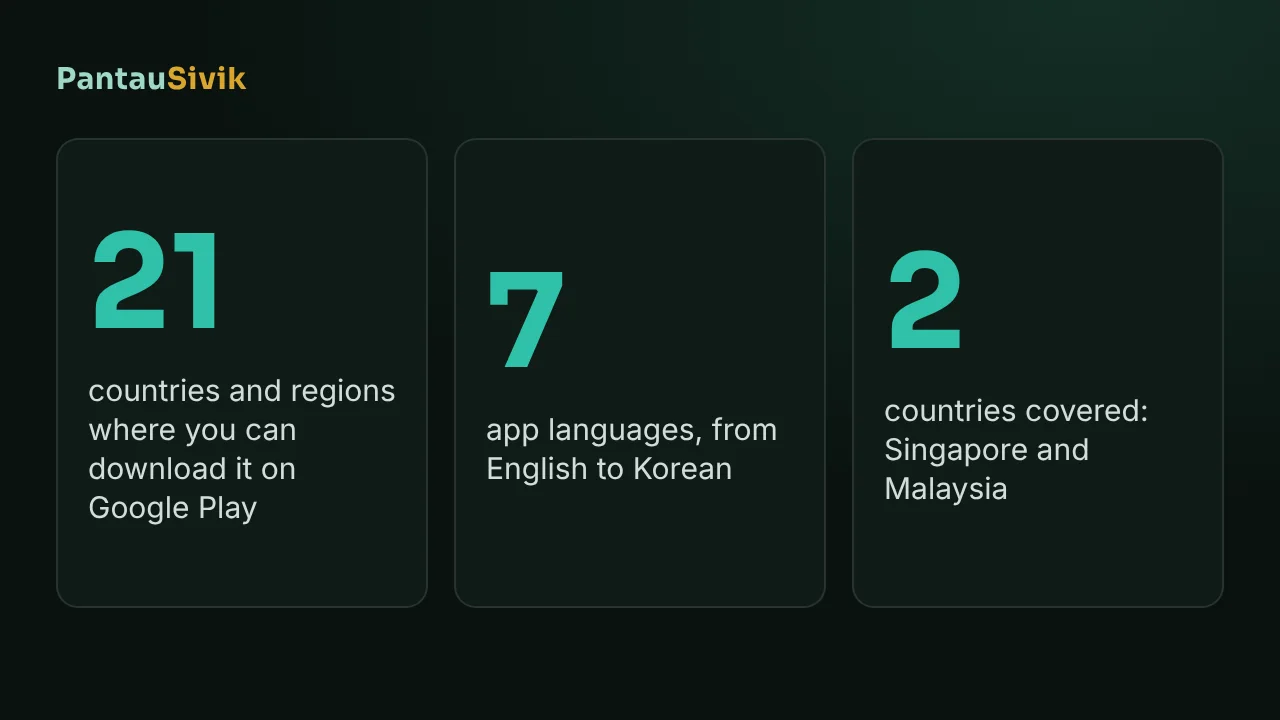
The app has 7 languages: English, Malay, Chinese, Tamil, Hindi, Japanese and Korean. Japanese and Korean cover the screens you will use most on a trip:
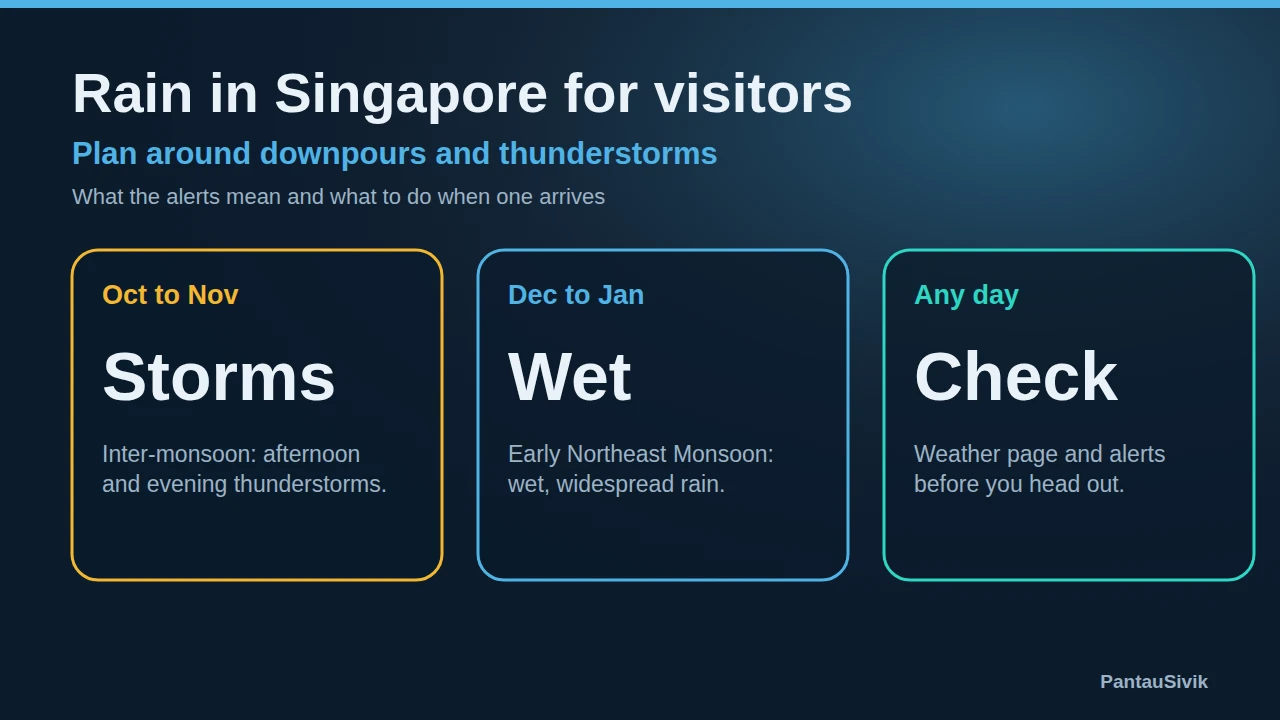
- Weather and storms. Rain outlooks, lightning alerts and the forecast text, for Singapore and for Malaysia. Singapore afternoon storms come fast, and the rain guide for visitors explains how to plan around them.
- Getting around. The trip planner, bus arrivals, MRT platform crowds and first and last train times, plus the Malaysia bus and rail pages.
- Alerts. The Alerts page and the titles of push notifications follow the language you chose.
A few things stay in English. Place names, station names and road names are shown as they are on the signs, which is what you will see around you. The distance ending on a notice, such as the kilometres and compass direction, stays in English. Some messages written by us for one time events, such as a maintenance notice, may arrive in English first.
Set it up before you fly
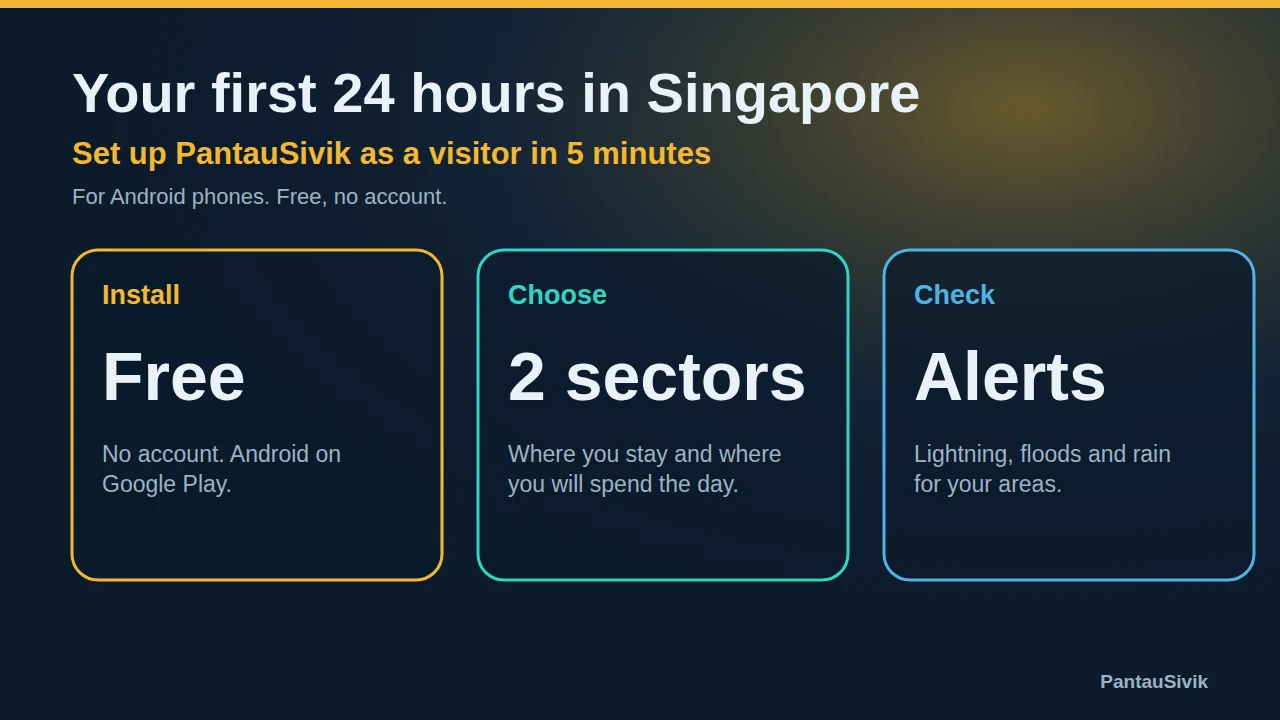
- Install PantauSivik from Google Play on Wi-Fi. It is Android only, free and needs no account.
- On the first screen, choose Japanese or Korean, then say you are visiting. The app then offers a Tourist dashboard style, which puts the trip planner, transport, weather and alerts first.
- Pick Singapore or Malaysia when the app asks, and allow location so it can find the area you are in.
- Allow notifications if you want rain and storm alerts while you are out.
- Open the trip planner once at home so it is familiar when you land.
For the first day, see your first 24 hours in Singapore and Changi Airport to the city. If you will cross from Johor, read the Causeway and Second Link guide. The app is now on Google Play in 21 countries and regions, listed in our Google Play post.
Help us fix the wording
The Japanese and Korean text has not been checked by native speakers yet. Some of it will read stiffly, use an odd word or be too long for its box. You can see this better than we can, and a short message from you improves the app for the next visitor.
To report it, open Settings, then About and help, and tap Send feedback. It opens an email in your mail app, with the app version, Android version and country already filled in, and you can delete any of that before you send. A useful report has four things:
- The screen where you saw it.
- The language, Japanese or Korean.
- The wording that looks wrong, or a screenshot.
- What it should say, if you know.
If you read Japanese or Korean as your first language and would like to look over a whole screen, say so in the same message. We use these reports to correct the text in later updates. They are also welcome if you only found one word.
What this does not tell you
- PantauSivik is Android only. There is no iPhone version.
- It is a planning aid built on public data. It does not replace official sources for entry rules, visas or emergencies.
- Google Play availability can depend on your phone and local rules.
- The wording has not been checked by native speakers, so please read important notices alongside the official source.
Common questions
Does PantauSivik work in Japanese?
Yes. The app is available in Japanese, with Korean, English, Malay, Chinese, Tamil and Hindi. The Japanese wording has not yet been checked by a native speaker.
Does PantauSivik work in Korean?
Yes. The app is available in Korean. The Korean wording has not yet been checked by a native speaker, so some text may read awkwardly.
Can I download PantauSivik in Japan and South Korea?
Yes. Japan and South Korea are among the 21 countries and regions where PantauSivik is listed on Google Play. It is Android only.
How do I report a bad translation?
Open Settings, then About and help, and tap Send feedback. Tell us the screen, the language, the wording that looks wrong and what it should say. A screenshot helps.
Is the app free for tourists?
Yes. It is free, supported by ads, and needs no account.
Does the app cover Malaysia as well as Singapore?
Yes. It has a Malaysia side with bus and rail pages, a trip planner, weather and fuel prices.
Sources: PantauSivik app, version 1.84.2, language list and feedback feature. Country availability from the PantauSivik listing in Google Play Console, 15 November 2026. PantauSivik is independent and not affiliated with Google or any government agency.
Information in PantauSivik comes from public sources and is there to help you plan. In an emergency, follow official channels. PantauSivik is independent and not affiliated with any government agency.
See also: PantauSivik on Google Play in 21 countries, Your first 24 hours in Singapore, Rain in Singapore for visitors, Malaysia guide.