Home / App Guide / Visitors and Planning / Languages and visitor mode
Languages and visitor mode in PantauSivik: 7 languages, I live here or I am visiting
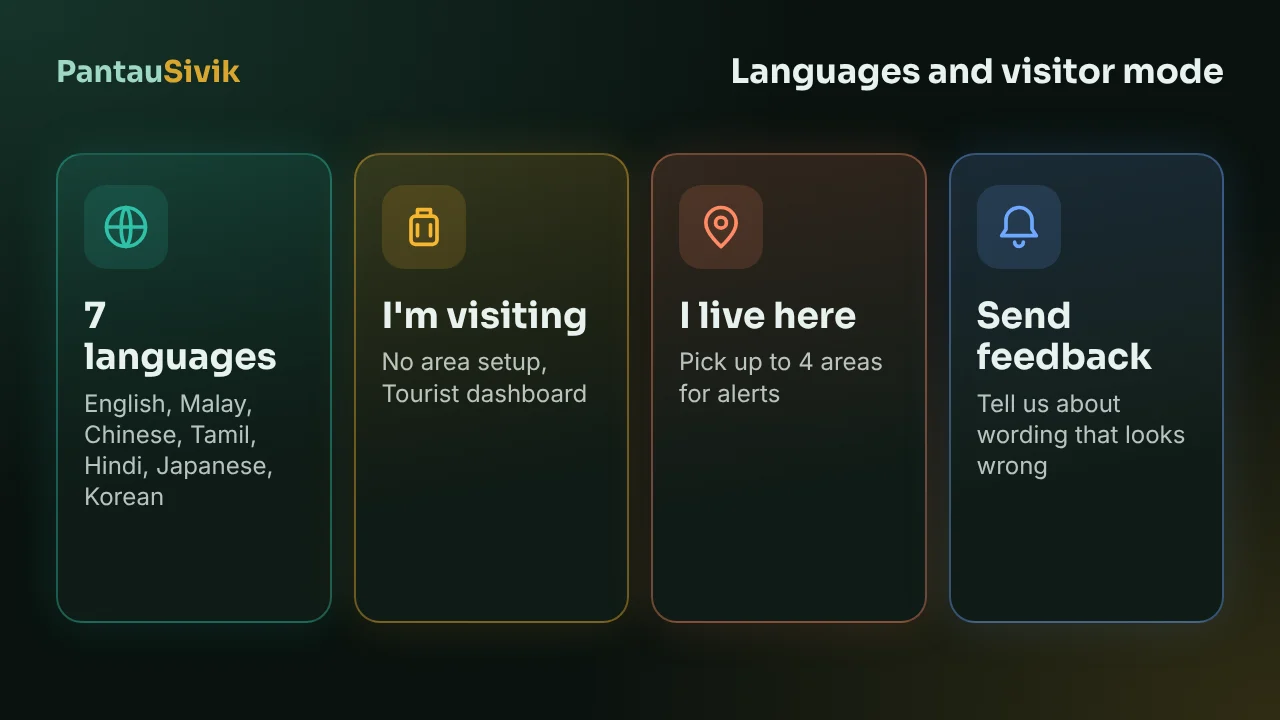
Short answer: pick your language on the first screen, then choose I live here or I'm visiting. Visitors skip the area setup and get alerts for where they are. You can change the language and the mode later under More, then Settings.
Pick your language
The first screen asks for your language. PantauSivik has 7: English, Malay, Chinese, Tamil, Hindi, Japanese and Korean. You can change it any time under More, then Settings. Push notification titles follow your language too. Place names, station names and road names stay as they are on the signs, and some parts, such as the distance at the end of a notice or a maintenance message, can stay in English.
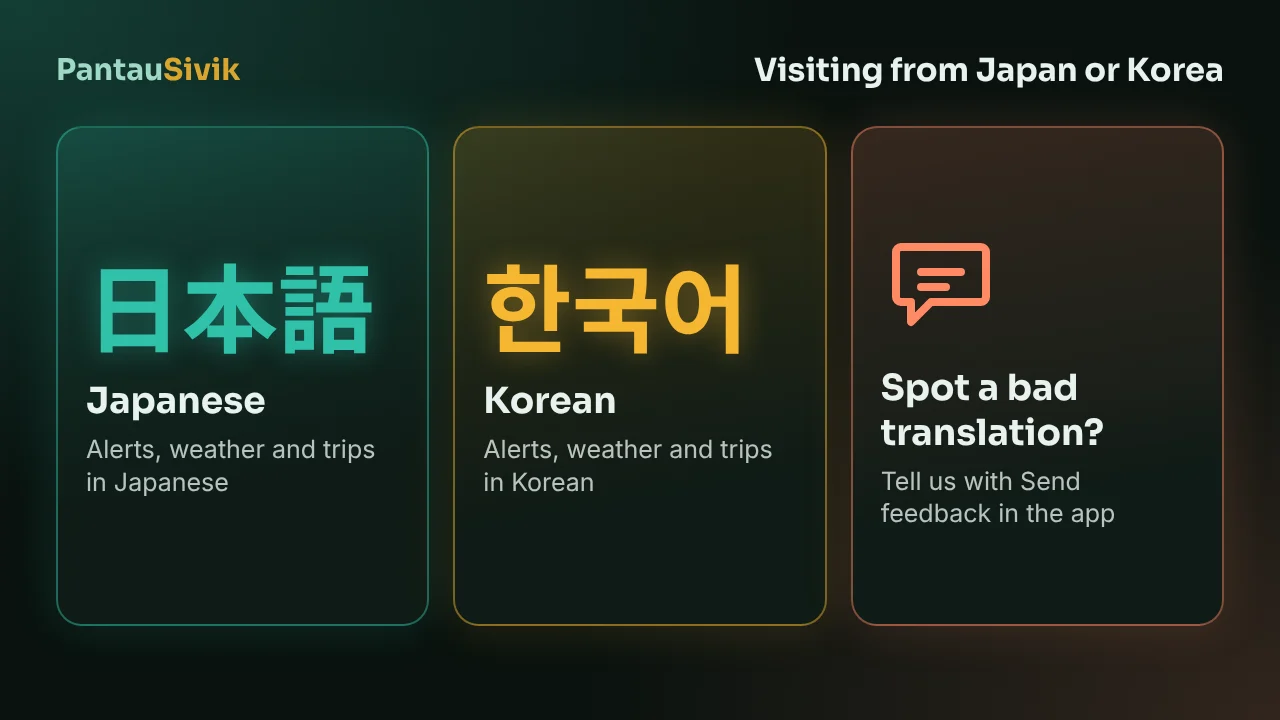
The Japanese and Korean wording has not been checked by native speakers yet. If something reads oddly, tell us: Settings, About and help, Send feedback opens an email with your app version, Android version and country already filled in. See PantauSivik in Japanese and Korean.
I live here or I'm visiting
The same screen asks how you will use the app. You can switch later under Settings, on the row I live here / I am visiting.
- I live here. You choose where you are based, which sets your home time zone, and you pick up to 4 areas to get alerts for. The app then asks How will you use PantauSivik? and sets your dashboard from your answer.
- I'm visiting. You choose the country you are visiting. You skip the area step, because alerts follow where you are. The app asks What suits your trip?, and Tourist is one of the choices. It puts the trip planner, buses and MRT, weather, air quality, food and alerts first.
The first screens, in order
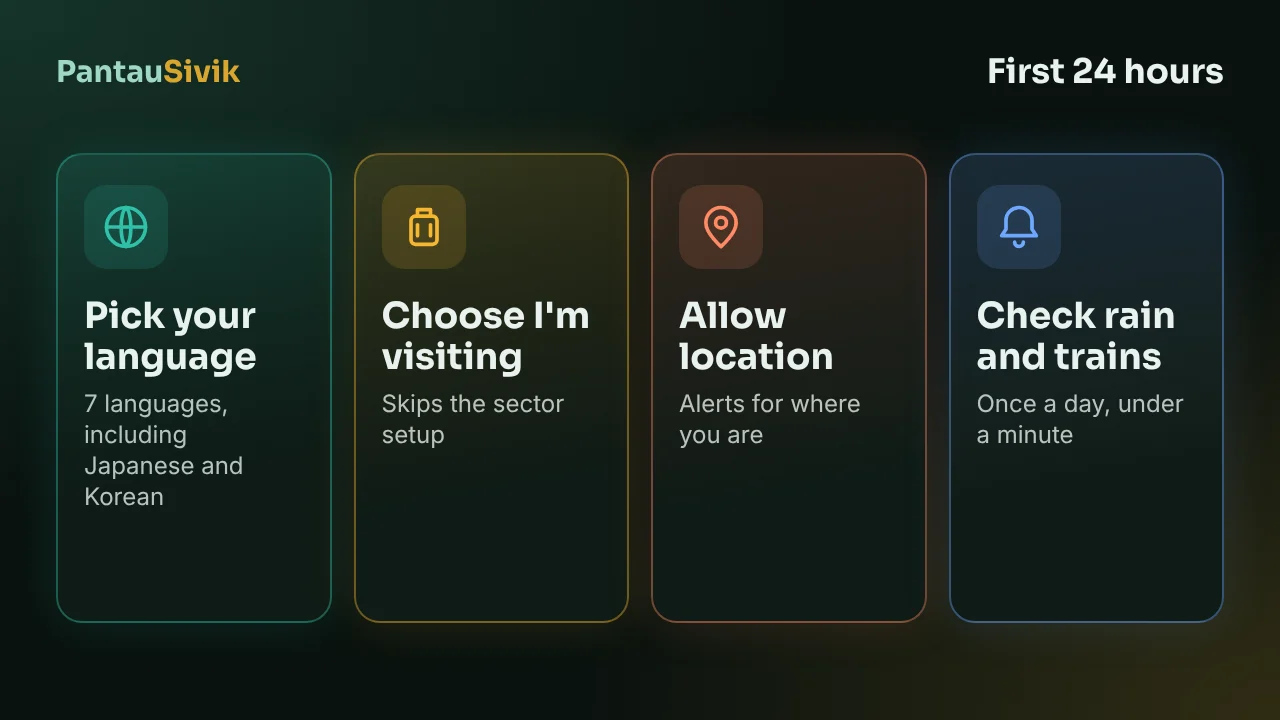
- Language, then I live here or I'm visiting.
- Location. The app uses it to find your supported country and show what is near you, only while it is open. You can choose "Not now, I will choose myself".
- Country. Residents see Where are you based?, visitors see Where are you visiting?. Singapore and Malaysia are supported. Other countries, such as Indonesia, Thailand and South Korea, are listed as coming soon, for time zone only.
- Notifications, with a short explanation of the alerts. You will be asked to allow them, and you can say no.
- A screen about data sharing.
- Areas for alerts (residents only).
- Dashboard style, then a short tutorial.
For a day by day plan, see your first 24 hours in Singapore. To change the dashboard later, see customise your dashboard.
Good to know
- PantauSivik is Android only, free and needs no account.
- Your settings are stored on your phone.
- Switching between I live here and I am visiting changes your starting setup. You can change your dashboard and alert settings again afterwards.
Information comes from public sources and is there to help you plan. PantauSivik is independent and not affiliated with any government agency. Screens and wording can change a little between app versions.
Frequently asked questions
Which languages does PantauSivik support?
English, Malay, Chinese, Tamil, Hindi, Japanese and Korean. Pick one on the first screen and change it under Settings.
Is the Japanese and Korean wording checked by native speakers?
Not yet. If something reads oddly, use Settings, About and help, Send feedback and tell us the screen, the language and what it should say.
What is the difference between I live here and I am visiting?
I live here asks for your home country and up to 4 areas for alerts. I am visiting asks which country you are visiting, skips the areas, and gives you alerts for where you are, with a Tourist dashboard choice.
Can I change my language or my mode later?
Yes. Open More, then Settings. The language and the I live here / I am visiting row are both there.
Do push notifications follow my language?
The titles do. Some parts, such as the distance at the end of a notice or a maintenance message, can stay in English.
Which countries does the app cover?
Singapore and Malaysia. A few other countries are listed as coming soon, for time zone only.
See also: Alerts setup guide, Customise your dashboard, Malaysia guide.
Spotted a mistake? Report an error on this page.