Home / App Guide / MRT and LRT
How to check MRT and LRT platform crowds before you leave
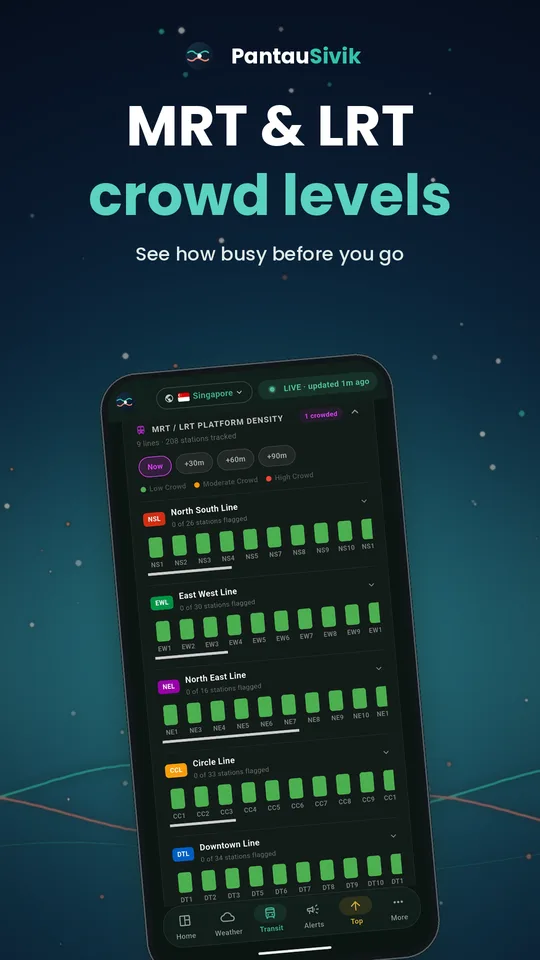
Short answer: open Transit and look at the platform crowd section. Green is quiet, orange is moderate and red is crowded. If your station is red, leave a little later or try the next station.
What you will see
- Platform crowd levels for each MRT and LRT line, with the usual line colours.
- Stations grouped by line, so you can go straight to the one you use.
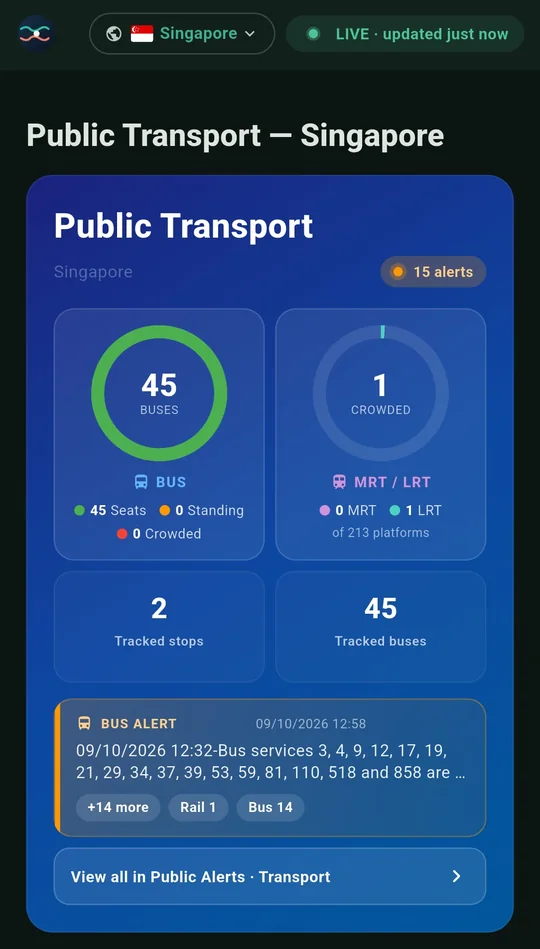
- Crowded counts in the Transit card, including platforms with Moderate crowding, so the number matches the list below it.
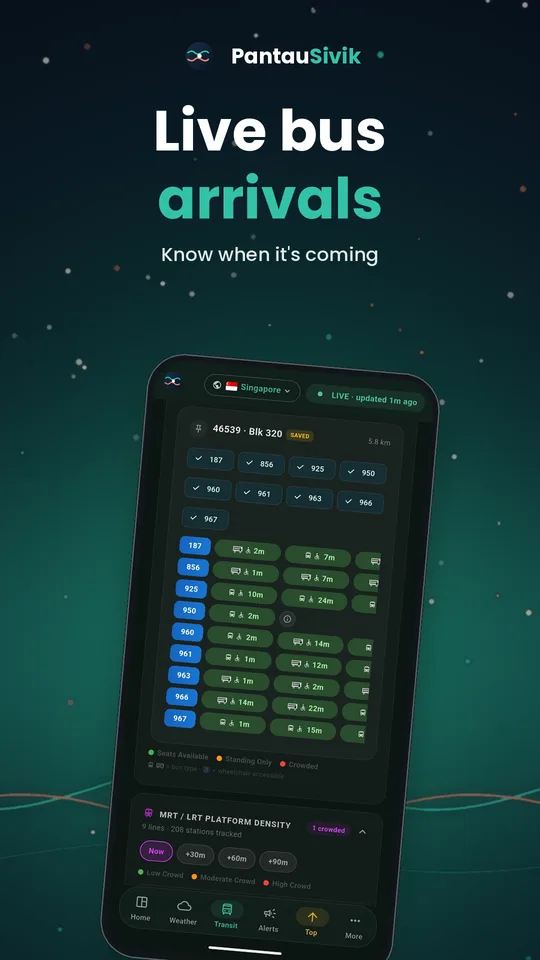
- A colour key, so the colours always have a label.
How to use it
- Open Transit and find the platform crowd section.
- Look at your line, then your station. Check the colour.
- If it is red, think about leaving ten minutes later, or boarding a station earlier or later on the line.
- Use the Transit card at the top for the headline: how many MRT and LRT platforms are crowded right now.
- Check the alert pill too. If a line has a fault, crowds usually follow.
Good to know
Crowd data comes from the Land Transport Authority and is shown per line. Stations that are not yet open will not appear. Crowd levels are estimates and can change quickly. Platform crowds are a Singapore feature.
Information comes from public sources and is there to help you plan. PantauSivik is independent and not affiliated with any government agency. Screens and wording can change a little between app versions.
Frequently asked questions
What do the MRT crowd colours mean?
Green means a quiet platform, orange means moderate and red means crowded.
Does it include LRT?
Yes. MRT and LRT platforms are both shown, with LRT lines grouped separately.
Why does the crowded count include Moderate?
Since version 1.25.29, the count includes Moderate platforms so it matches the platform list.
Does it show train faults?
Train service alerts appear in Transit and in Public Alerts.